
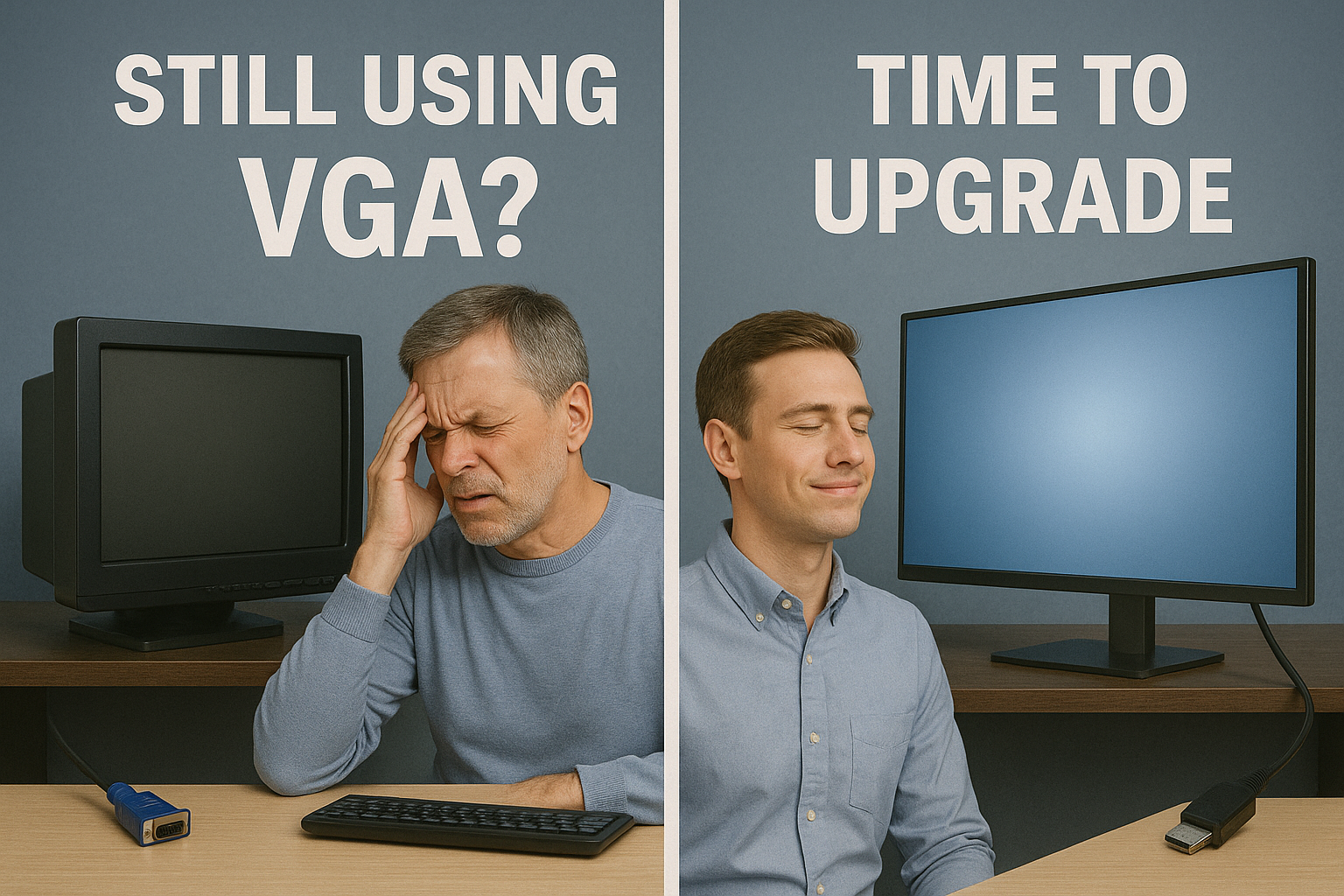
7 Reasons Your Old VGA Monitor Is Literally Giving You a Headache
Still hanging onto that trusty old VGA monitor? It might be costing you more than just screen quality—it could be hurting your eyes, your productivity, and even your health. VGA (Video Graphics Array) technology launched in 1987, and while it was great in its day, it’s long past its expiration date. Here’s why it’s time to move on.
1. VGA Is Analog—Your Devices Are Digital
Modern computers output digital signals. VGA is analog. That means your picture gets converted back and forth, losing clarity and sharpness along the way. The result? Blurry text, muddy colors, and tired eyes working overtime.
2. Flicker You Can’t See, But Your Eyes Can
Old monitors often flicker at a rate your eyes detect even if your brain doesn’t. This subtle flicker is a well-known cause of headaches, migraines, and eye strain. New HDMI/DisplayPort monitors use flicker-free LED technology designed for eye comfort.
3. Dimming Brightness Sneaks Up on You
Backlights in aging monitors fade over time, especially CCFL types. Because it happens gradually, you don’t notice—until your eyes are squinting at dull text and washed-out colors. That constant strain is a recipe for discomfort.
4. Resolution and Refresh Rates Are Stuck in the Past
VGA wasn’t built for today’s standards. You might limp along at 1080p, but forget about crisp 4K, smooth 144Hz gaming, or even sharp fonts for work. HDMI and DisplayPort make text, images, and motion clear and sharp—reducing the strain of trying to focus on blurry visuals.
5. Converters Don’t Fix the Problem
Think a cheap VGA-to-HDMI/DisplayPort adapter is the answer? Not really. Converters:
- Introduce signal loss and lag
- Break down often
- Add clutter to your setup
And worst of all—you’re still stuck with the same dim, flickery monitor that’s causing your headaches in the first place.
6. Modern Monitors Do More With Less
HDMI and DisplayPort don’t just carry video—they also transmit audio, data, and even power in some cases. That means fewer cables, less clutter, and more features. VGA? Just grainy video, and nothing else.
7. Better Health and Productivity
Upgrading isn’t only about visuals—it’s about comfort. Modern displays often include blue light reduction, anti-glare coatings, and flicker-free dimming. That translates into fewer headaches, less fatigue, and better productivity throughout your day.
🚀 Time to Upgrade
Your old VGA monitor isn’t just outdated—it’s quietly wearing you down. Converters won’t save it. For sharper visuals, healthier eyes, and a more productive workspace, it’s time to make the leap to HDMI or DisplayPort.
Your eyes (and your head) will thank you.




Recent Comments